React 18 - useMutableSource
2021年8月15日 · Waiting7777 · 2 分鐘閱讀
用一段提案裡的話來描述 useMutableSource。
useMutableSouce 能夠讓 React component 更安全及有效率的讀取外部來源,API 能夠偵測外部數據的更新,並且在數據變化時能夠更新渲染。
說到外部數據就要從 state 的更新開始,React 更新的幾種方式:
- 组件本身改變 state 。函数 useState | useReducer ,類组件 setState | forceUpdate 。
- props 改變,由组件更新带来的子组件的更新。
- context 更新,並且該组件使用了 context 。
無論是上面哪種方式,本質上都是 state 的變化。
而外部數據的話,通常是用某種方式訂閱取回來 setState 來做到更新。
如果使用 useMutableSource 的話,就不需要把訂閱更新的流程放到組件來處理,例如:
/* 創建 store */
const store = createStore(reducer,initState)
/* 創建外部 Datasource */
const externalDataSource = createMutableSource( store ,store.getState() )
/* 訂閱更新 */
const subscribe = (store, callback) => store.subscribe(callback);
function App({ selector }){
    /* 訂閱的 state 發生變化,那麼組件會更新 */
    const state = useMutableSource(externalDataSource,selector,subscribe)
}
如上是通過 useMutableSource 實現的訂閱更新,這樣可以減少 APP 組件內部的 code 進而降低耦合度。
功能介紹
createMutableSource 建立一個 source,他有兩個參數
const externalDataSource = createMutableSource( store ,store.getState() )
- store: 外部數據,可以是 redux 的 store 可以是 window
- getState(): 一個 function ,告訴 createMutableSource 如何從前面指定的數據拿取資料,並且用這個回傳值來判斷數據是否有變化。
useMutableSource 是一個 hook,他有三個參數
const value = useMutableSource(source,getSnapShot,subscribe)
- source: MutableSource: 數據對象
- getSnapshot: ( source: Source) ⇒ Snapshot: 一個函數,當作是觸發改動時要如何提取數據
- subscribe: (source: Source, callback: () ⇒ void) ⇒ () ⇒ void: 訂閱函數,第一個參數可以理解為 useMutableSource 的第一個參數,第二個 callback 可以理解為 getSnapshot 。
範例一
// May be created in module scope, like context:
const locationSource = createMutableSource(
  window,
  // Although not the typical "version", the href attribute is stable,
  // and will change whenever part of the Location changes,
  // so it's safe to use as a version.
  () => window.location.href
);

// Because this method doesn't require access to props,
// it can be declared in module scope to be shared between components.
const getSnapshot = window => window.location.pathname;

// This method can subscribe to root level change events,
// or more snapshot-specific events.
//
// Because this method doesn't require access to props,
// it can be declared in module scope to be shared between components.
const subscribe = (window, callback) => {
  window.addEventListener("popstate", callback);
  return () => window.removeEventListener("popstate", callback);
};

function Example() {
  const pathName = useMutableSource(locationSource, getSnapshot, subscribe);

  // ...
}
- 首先透過 createMutableSource 創建數據對象,目標是 window,用 window.location.href 當改變的依據。
- getSnapshot 拿 location.pathname
- 通過 popstate 監聽 history 模式下 route 的變化,當 route 有變時,執行 getSnapshot 。
- 通過 useMutableSource 變成 Example 組件的 pathName
範例二
import React, {
  unstable_useMutableSource as useMutableSource,
  unstable_createMutableSource as createMutableSource
} from "react";

import { combineReducers, createStore } from "redux";

/* number Reducer */
function numberReducer(state = 1, action) {
  switch (action.type) {
    case "ADD":
      return state + 1;
    case "DEL":
      return state - 1;
    default:
      return state;
  }
}

const rootReducer = combineReducers({ number: numberReducer });
const Store = createStore(rootReducer, { number: 1 });
const dataSource = createMutableSource(Store, () => 1);

const subscribe = (dataSource, callback) => {
  const unSubScribe = dataSource.subscribe(callback);
  return () => unSubScribe();
};

export default function Index() {
  const snapShot = React.useCallback((data) => ({ ...data.getState() }), []);
  const data = useMutableSource(dataSource, snapShot, subscribe);
  return (
    <div>
      <p> React 18 🎉🎉🎉 </p>
      counter:{data.number} <br />
      <button onClick={() => Store.dispatch({ type: "ADD" })}>add</button>
    </div>
  );
}
codesandbox
建立一個 redux,用 snapShot 告訴 useMutableSource 如何拿資料,然後用 useMutableSorce 提取資料,就可以直接在組件中使用了,不需要 connect 綁定。
結語
useMutableSource 提供了一個訂閱外部資料源的 hook,讓 component 把更新訂閱的方法都放在 component 外面的話,可以降低 component 的耦合度。
Waiting7777
WoW Arena 冠軍轉前端,用電競 meta 思維拆解技術趨勢。
相關文章
 GitHub CopilotAI Agents+5
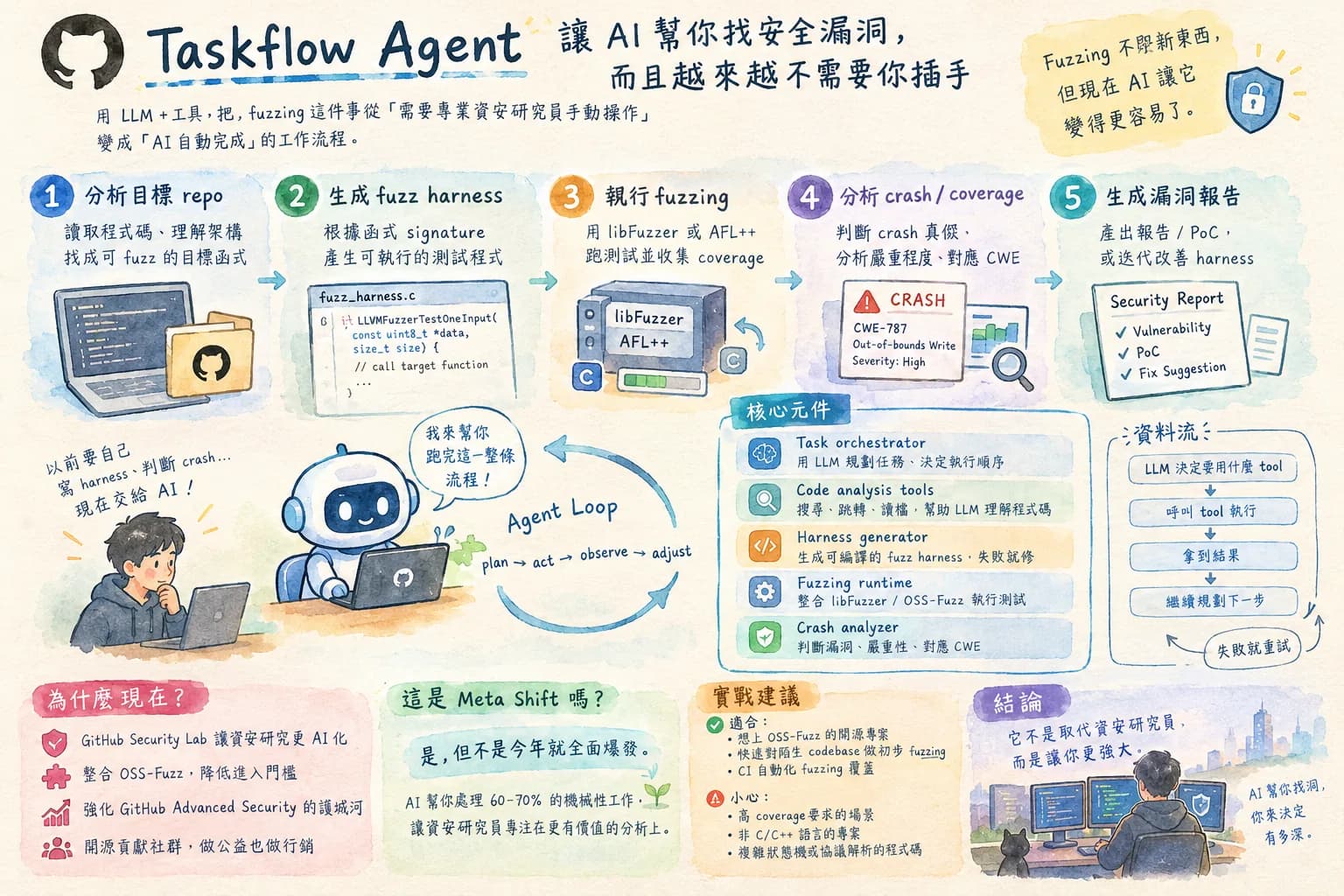
GitHub 用 AI 自動跑 fuzzing — 資安測試要被取代了嗎?
AI 做 fuzzing 這件事的意義不只是「測試更快」,而是把過去需要資安專家才能做的事民主化了。拆解 Taskflow Agent 的工作流程,評估它實際上能取代多少人工、局限在哪。
2026年9月25日 · Waiting7777 · 7 分鐘閱讀
繼續閱讀 → AI AgentsVC+4
VC 瘋投 Shopping Agent,但 Amazon 已經開始封鎖了:這個賽道值得賭嗎
把這篇跟 Amazon 封鎖 Meta 的事件一起看 — VC 瘋狂投錢進來,但平台方已經開始設防,這個賽道的商業風險遠比技術風險大。
2026年9月22日 · Waiting7777 · 7 分鐘閱讀
繼續閱讀 →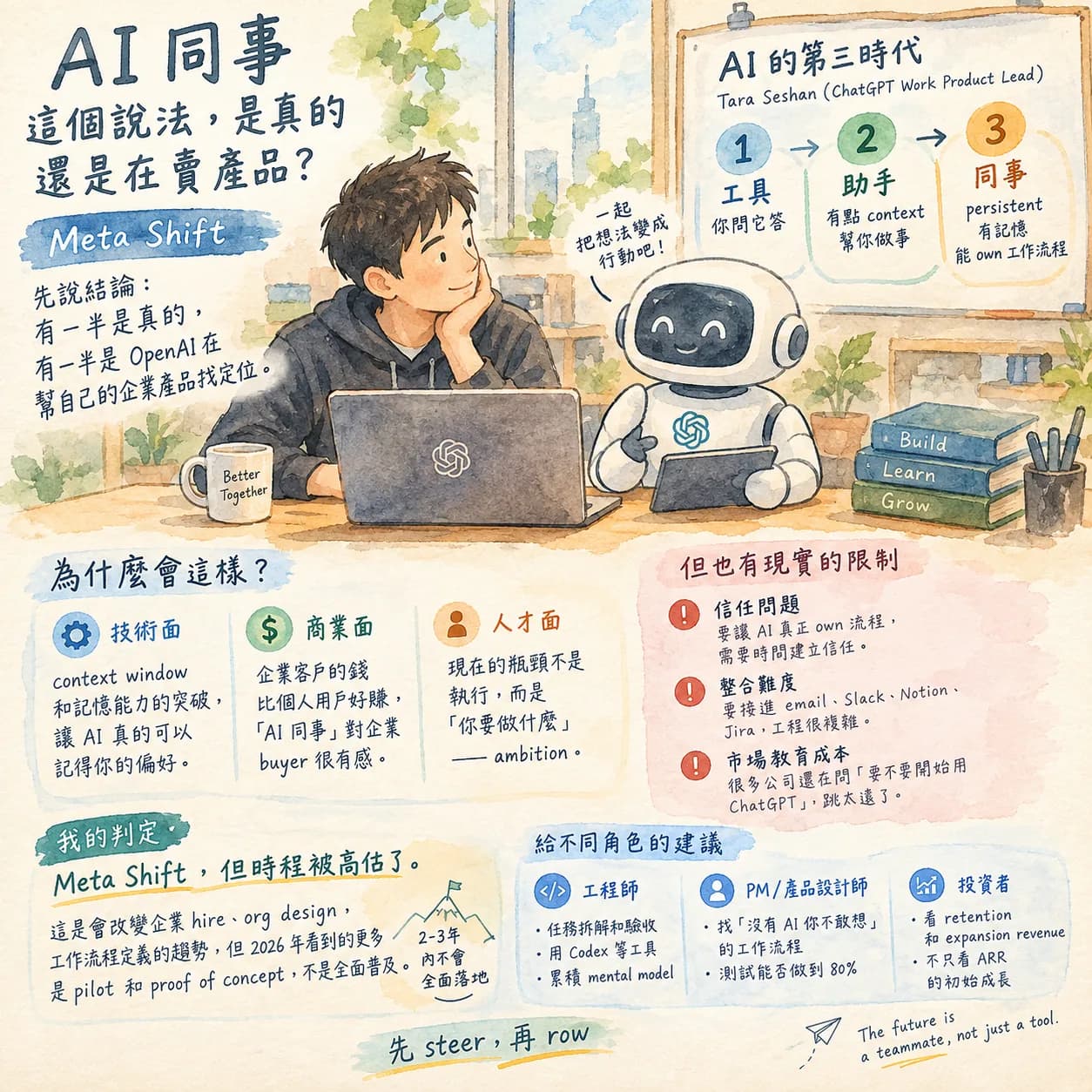 GPTAI+2
AI 第三時代:「永遠在線的 AI 同事」這個概念是真的嗎?
從「AI 同事」這個框架切入,評估這個概念是真實趨勢還是產品行銷話術 — 什麼樣的工作場景真的需要 persistent AI,什麼場景還是用工具就夠了。
2026年9月20日 · Waiting7777 · 7 分鐘閱讀
繼續閱讀 →這篇文章對你有幫助嗎?
每週一篇 — 技術趨勢背後的商業邏輯
AI 產業在變什麼、工程師該注意什麼——拆清楚寄到你的信箱。