Nuxt Content 初探心得
2020年5月15日 · Waiting7777 · 2 分鐘閱讀
介紹
在你的 NuxtJs 專案底下安裝 @nuxtjs/content 套件,並且將你的內容放在 content/ 資料夾底下,那麼套件將會自動將資料夾底下的 Markdown,JSON,YAML,CSV 檔案轉成 MongoDB 形式的 API,這樣你的專案將會如同擁有一個內容的資料庫。
特色
- 開發時快速 hot reload
- 可以在 markdown 裡面用 vue compoents
- 全文搜索
- 支援靜態網站生成 nuxt generate
- 強大的 QueryBuilder API (MongoDB like)
- code block 內建用 PrismJS 的語法高亮
安裝
將 @nuxt/conent 裝入你的專案
yarn add @nuxt/content
然後設定 nuxt.config.js 的 modules
{
  modules: [
    '@nuxt/content'
  ],
  content: {
    // options
  }
}
內容
在專案底下,創個 content 資料夾,結構如下:
content/
  articles/
    article-1.md
    article-2.md
  home.md
會自動將裡面的 .md,.yaml,.csv,.json,檔案轉換並生成以下額外的屬性:
- dir
- path
- slug
- extension
- createdAt
- updatedAt
[
  {
    "toc": [
      {
        "id": "這是測試副標",
        "depth": 2,
        "text": "這是測試副標"
      }
    ],
    "body": {
      "type": "root",
      "children": [
        {
          "type": "element",
          "tag": "h1",
          "props": {
            "id": "這是測試標題"
          },
          "children": [
            {
              "type": "element",
              "tag": "a",
              "props": {
                "ariaHidden": "true",
                "href": "#%E9%80%99%E6%98%AF%E6%B8%AC%E8%A9%A6%E6%A8%99%E9%A1%8C",
                "tabIndex": -1
              },
              "children": [
                {
                  "type": "element",
                  "tag": "span",
                  "props": {
                    "className": [
                      "icon",
                      "icon-link"
                    ]
                  },
                  "children": []
                }
              ]
            },
            {
              "type": "text",
              "value": "這是測試標題"
            }
          ]
        },
        {
          "type": "element",
          "tag": "h2",
          "props": {
            "id": "這是測試副標"
          },
          "children": [
            {
              "type": "element",
              "tag": "a",
              "props": {
                "ariaHidden": "true",
                "href": "#%E9%80%99%E6%98%AF%E6%B8%AC%E8%A9%A6%E5%89%AF%E6%A8%99",
                "tabIndex": -1
              },
              "children": [
                {
                  "type": "element",
                  "tag": "span",
                  "props": {
                    "className": [
                      "icon",
                      "icon-link"
                    ]
                  },
                  "children": []
                }
              ]
            },
            {
              "type": "text",
              "value": "這是測試副標"
            }
          ]
        },
        {
          "type": "element",
          "tag": "p",
          "props": {},
          "children": [
            {
              "type": "text",
              "value": "這是測試內文"
            }
          ]
        }
      ]
    },
    "dir": "/",
    "path": "/test",
    "extension": ".md",
    "slug": "test",
    "createdAt": "2020-06-01T06:26:44.150Z",
    "updatedAt": "2020-06-01T06:55:23.703Z"
  }
]
Fetching & Displaying Content
有了內容以後,再來要將它讀出來並放到頁面上, @nuxtjs/content 會在你的 vue 上面掛載 $content 接口,接著用各種 mongoDB 的方式來 query 內容,再用它的呈現專用 component 來呈現內容。
<template>
  <article>
    <h1>{{ page.title }}</h1>
    <nuxt-content :document="page" />
  </article>
</template>

<script>
export default {
  async asyncData ({ $content }) {
    const page = await this.$content('articles').sortBy('desc').limit(5).fetch()

    return {
      page
    }
  }
}
</script>
結論
因為現在 JAMSTACK 越來越盛行了,以前端製作一個外皮然後搭上內容就是一個網站,而@nuxtjs/content 這個 module 提供了一個幫你把 markdown file 轉換成 API 的接口,讓前端靜態網站blog 系統的製作越來越省心,另外這個 github repo 才剛創一個月,目前只能說是一個概念的展示,或是說 mvp 吧,很多應該要可以 custom 的地方,都不見得有提供 config 給你修改,所以就目前來說想用到完全客製化的話,可能還需要再等等。
Waiting7777
WoW Arena 冠軍轉前端,用電競 meta 思維拆解技術趨勢。
相關文章
 GitHub CopilotAI Agents+5
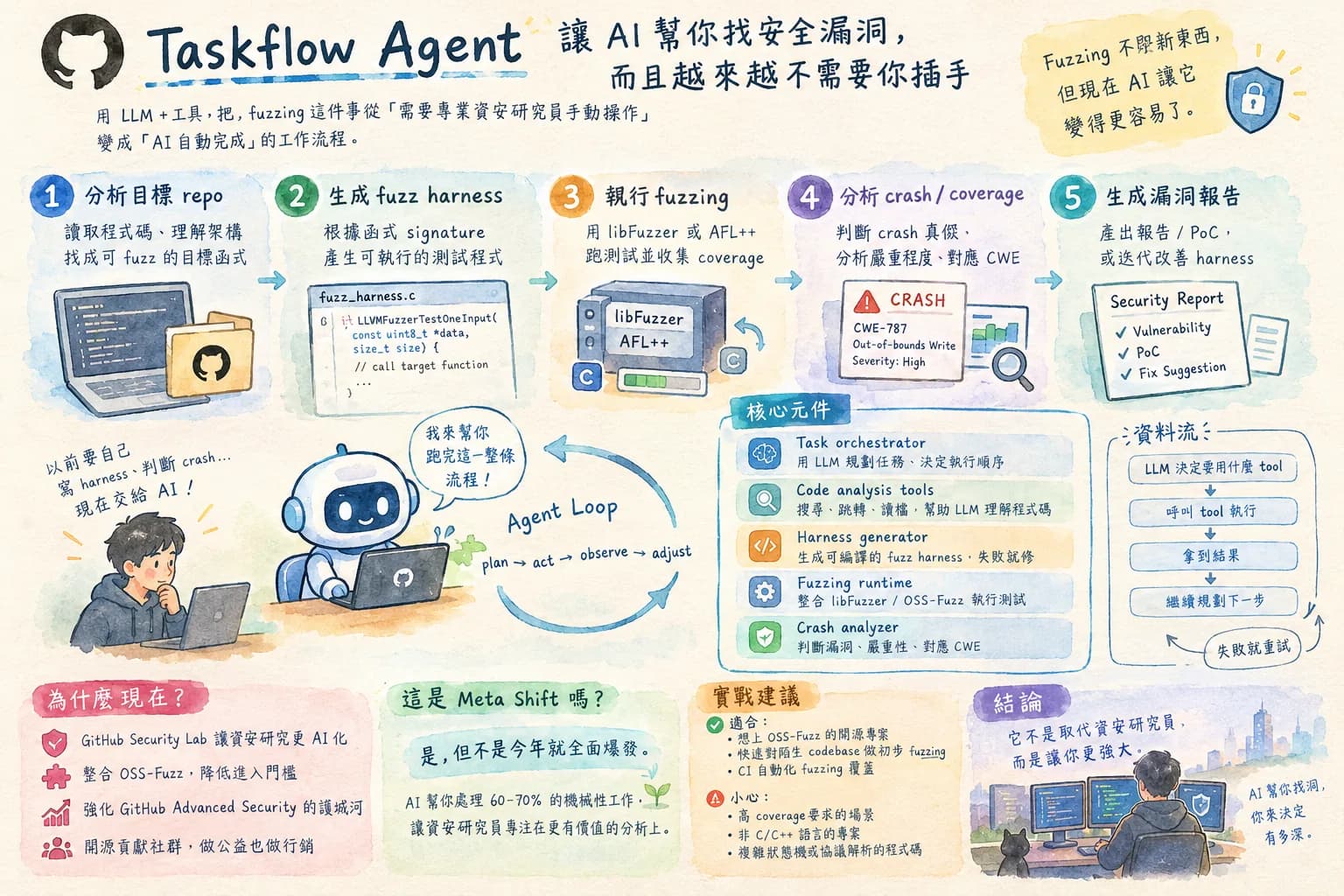
GitHub 用 AI 自動跑 fuzzing — 資安測試要被取代了嗎?
AI 做 fuzzing 這件事的意義不只是「測試更快」,而是把過去需要資安專家才能做的事民主化了。拆解 Taskflow Agent 的工作流程,評估它實際上能取代多少人工、局限在哪。
2026年9月25日 · Waiting7777 · 7 分鐘閱讀
繼續閱讀 → AI AgentsVC+4
VC 瘋投 Shopping Agent,但 Amazon 已經開始封鎖了:這個賽道值得賭嗎
把這篇跟 Amazon 封鎖 Meta 的事件一起看 — VC 瘋狂投錢進來,但平台方已經開始設防,這個賽道的商業風險遠比技術風險大。
2026年9月22日 · Waiting7777 · 7 分鐘閱讀
繼續閱讀 → GPTAI+2
AI 第三時代:「永遠在線的 AI 同事」這個概念是真的嗎?
從「AI 同事」這個框架切入,評估這個概念是真實趨勢還是產品行銷話術 — 什麼樣的工作場景真的需要 persistent AI,什麼場景還是用工具就夠了。
2026年9月20日 · Waiting7777 · 7 分鐘閱讀
繼續閱讀 →這篇文章對你有幫助嗎?
每週一篇 — 技術趨勢背後的商業邏輯
AI 產業在變什麼、工程師該注意什麼——拆清楚寄到你的信箱。